
LEGO Is Bringing Build-a-Minifigure Online. Create a Minifigure Changes How Custom Characters Work

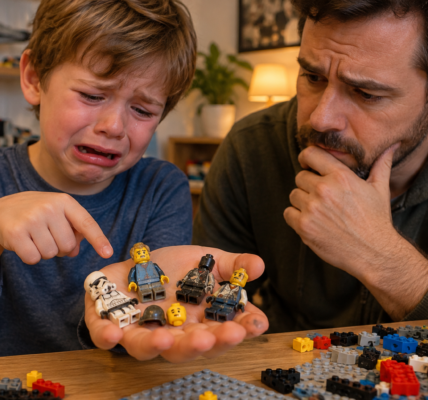
Build-a-Minifigure has traditionally been a physical LEGO Store experience: choose a head, torso, legs, hair or headgear and accessories, then assemble a custom character on the spot. LEGO is now extending part of that idea online.
LEGO.com has introduced Create a Minifigure, a tool that lets users build custom minifigures from parts currently available through Pick a Brick. LEGO notes that the feature is still being developed, so the range of elements, colors and skin tones is limited and may change over time.
What makes Create a Minifigure interesting is that it is not simply an online copy of the store-based BAM experience. It combines character building with the logic of Pick a Brick, where every component is treated as an individually priced part.
How Create a Minifigure works
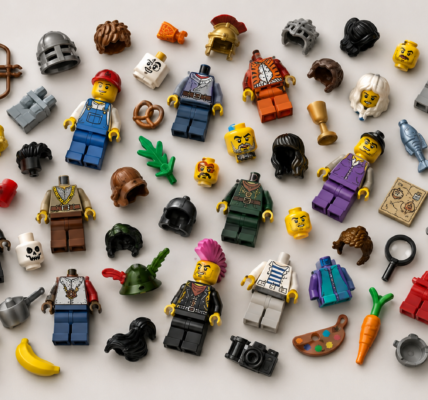
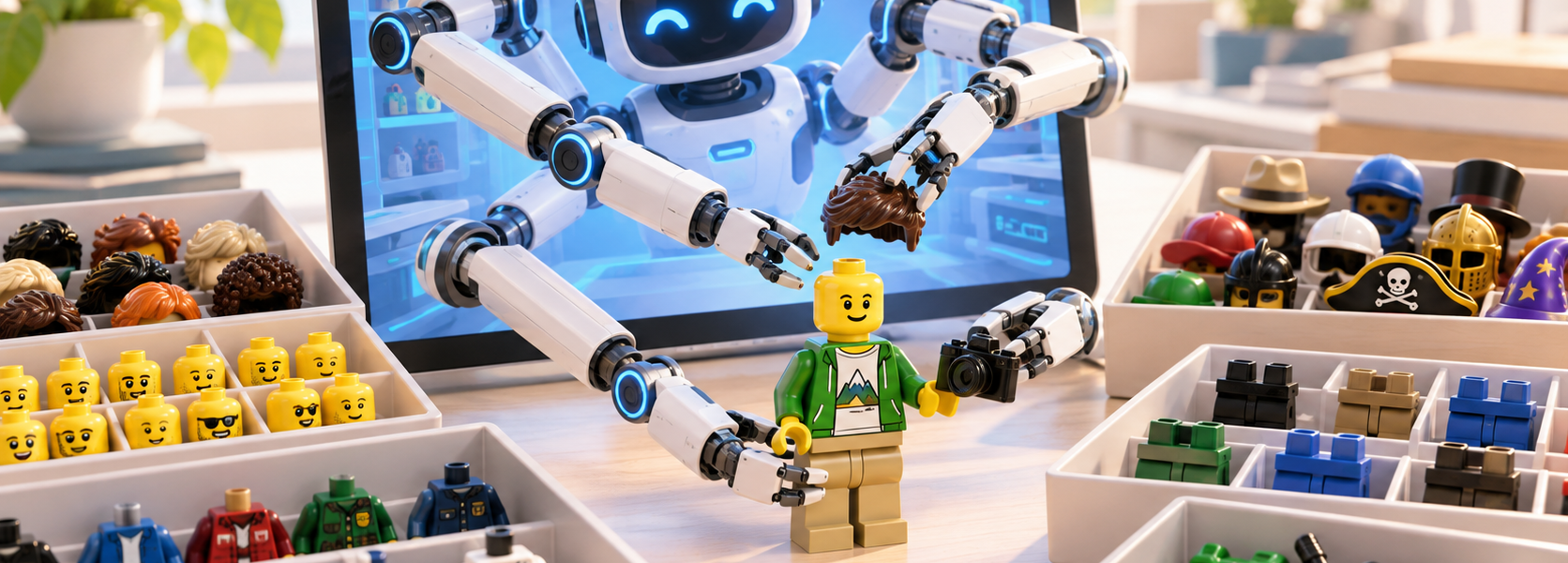
The tool guides users through the major components of a character. Builders can choose a head, torso, legs, hair or headgear and up to two accessories.
Each option comes from the current Pick a Brick assortment. There is no permanent fixed catalog attached to Create a Minifigure, so availability can vary by region and inventory.
LEGO currently allows users to create up to 30 different minifigures in a single order, which pushes the tool far beyond the idea of casually building one character for fun.
The biggest difference is individual part pricing
In a physical Build-a-Minifigure station, customers usually pay for a predefined bundle according to the local store’s pricing structure.
Create a Minifigure works differently because it is tied to Pick a Brick. Each head, torso, pair of legs, headgear piece and accessory has its own price.
That gives builders more granular control over cost, but it also removes the simplicity of a fixed BAM bundle.
This may matter more to MOC builders than casual shoppers
The strongest use case appears when a builder needs many characters.
If someone is populating a city, historical display, station, school, restaurant or large narrative MOC, being able to assemble a broad cast of characters online can be much easier than searching for every component manually.
The ability to create up to 30 different minifigures in one order suggests that LEGO sees a use case beyond one-off customization.
Create a Minifigure does not replace in-store BAM
The two systems still serve different purposes.
Physical Build-a-Minifigure stations can feature seasonal or store-specific parts that may not appear in standard Pick a Brick inventory.
September 2026 is a good example: in-store BAM assortments received Halloween-themed characters including Frankenstein, Zombie Girl and Werewolf Costume Girl. Seasonal waves like these give physical BAM its own collector appeal.
Create a Minifigure, by contrast, offers convenience, remote access and the ability to build a larger range of custom characters without visiting a store.
These are two different models of customization
Store BAM works like a creative station. The experience is tactile, spontaneous and shaped by the limited assortment available in that location.
The online version behaves more like a parts configurator. It is less spontaneous, but potentially much more useful for planned builds.
LEGO does not need to choose between the two models. They can coexist and serve different kinds of customers.
Pick a Brick integration changes the scale of the idea
The most important feature of Create a Minifigure is that it sits on top of Pick a Brick rather than operating as a separate product system.
That turns a minifigure into another parts-based project, similar to ordering a collection of elements for a MOC.
Experienced builders could already buy heads, torsos, legs and accessories manually. The innovation is that LEGO now simplifies the process and presents the parts in the context of a complete character.
It also lowers the barrier for users who do not know part numbers
Pick a Brick is powerful, but it can be intimidating for beginners.
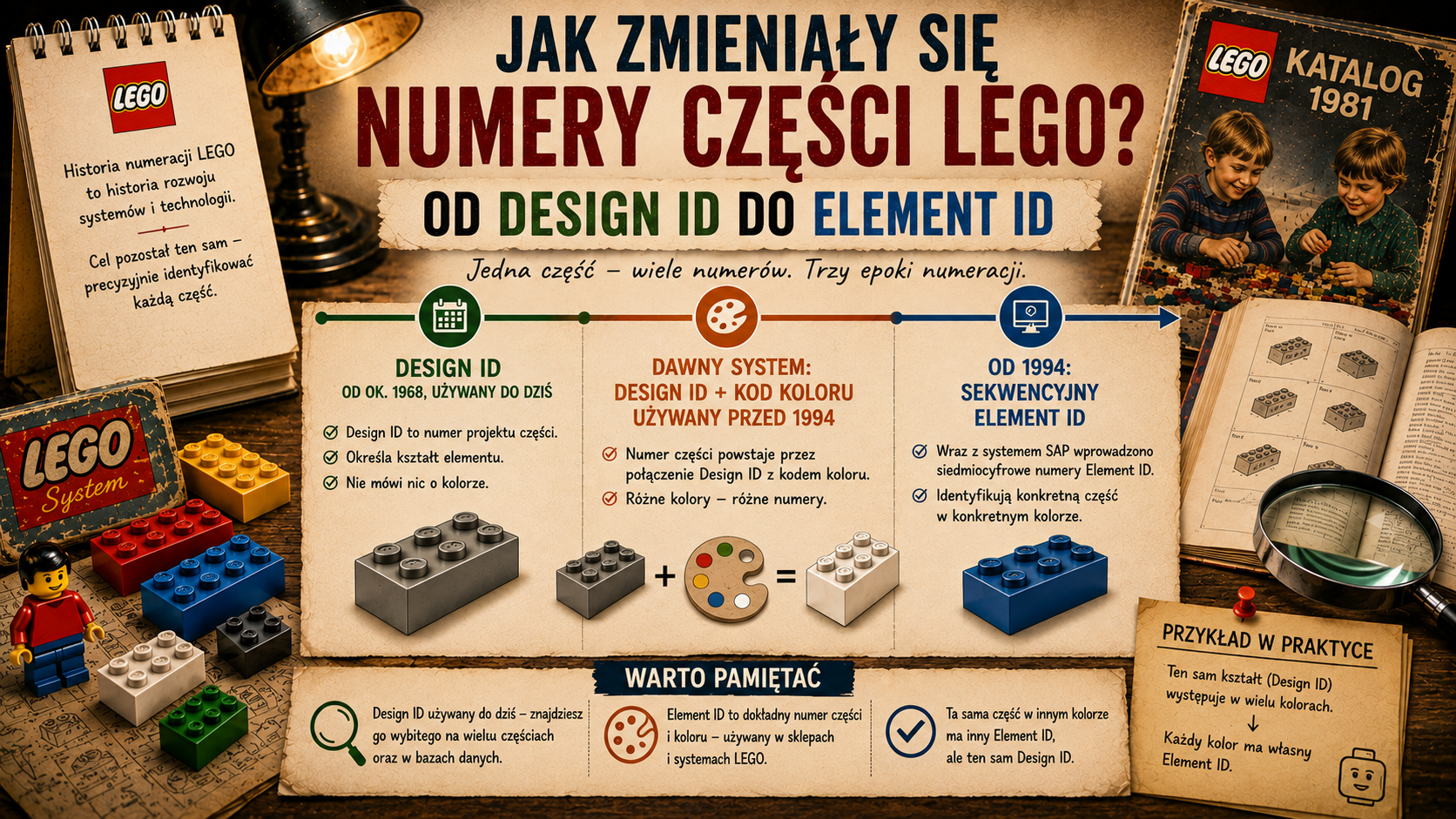
If a user does not know element names, part numbers or how to filter the catalog, finding compatible heads, hair and torsos can take time.
Create a Minifigure reduces some of that friction by letting the user build visually rather than think in catalog terminology.
The current limitations matter
LEGO explicitly says that Create a Minifigure is still being developed.
The main limitations are the range of available parts and the current selection of skin tones. Not every element in the broader Pick a Brick catalog will necessarily appear in the tool, and regional differences can apply.
That means Create a Minifigure should not be treated as a complete database of all existing minifigure components.
It is better understood as a visual front end for the parts that are currently available.
Where Minifigure Factory fits
LEGO also operates Minifigure Factory in selected markets, which pushes personalization further by allowing users to customize torso decoration within the available system.
That is a different level of customization from Create a Minifigure.
Create a Minifigure combines existing physical parts. Minifigure Factory can change the visual design of the torso itself.
If LEGO continues developing both tools, it could gradually create a broader ecosystem for personalized characters.
Collectors will still care about channel-exclusive parts
An online configurator does not remove the appeal of seasonal BAM components.
If anything, it may make the distinction clearer between:
- utility parts — ordered to build custom characters and populate MOCs,
- collector parts — seasonal, store-exclusive or limited to a particular sales channel.
If unusual heads, torsos or costumes continue to appear only in physical LEGO Stores, in-person BAM will remain relevant to collectors.
The biggest change is convenience
The core innovation is not the ability to build a custom minifigure. Fans have been doing that for decades.
The change is access.
Instead of manually browsing individual parts or relying on the contents of a local store station, users can now assemble the character visually and see the full combination before ordering.
For beginners, that lowers the barrier to entry. For MOC builders, it speeds up cast building. For collectors, it creates another channel to watch as parts move into broader availability.
Build-a-Minifigure is no longer one place
The most interesting takeaway is that “build your own minifigure” is becoming a multi-channel ecosystem.
LEGO now has physical BAM stations, Pick a Brick, Create a Minifigure and, in selected markets, Minifigure Factory.
Each works differently, but together they point in the same direction: minifigure personalization is expanding beyond a single in-store activity into a broader set of services.
Create a Minifigure is still developing and its assortment remains limited. But if LEGO expands the catalog and functionality, it could become a much more important tool for builders than the classic tray of parts in a physical store.