
How to Manage Your LEGO Collection in BrickLink: My Collection, Wanted Lists and Missing Parts

Brickset answers “what do I own?”, Rebrickable asks “what can I build with it?”, and BrickLink closes the loop with “what am I missing and how do I manage it?”
In part three of our Digital LEGO Collection series, the focus is not simply buying parts. It is organizing your collection, importing data, parting out sets into inventories and using Wanted Lists as a structured system for missing pieces.
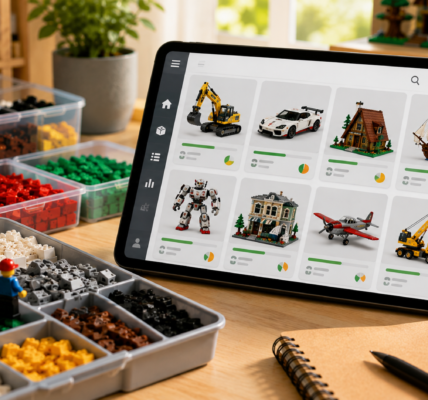
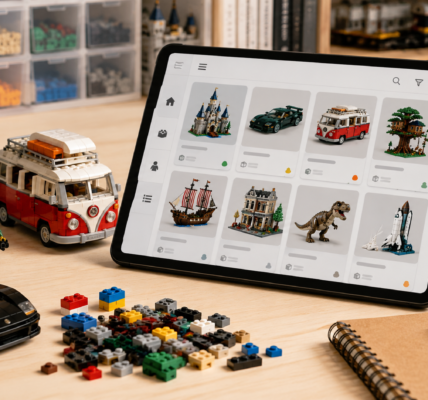
My Collection can track sets, parts and minifigures
BrickLink’s My Collection area can be used to manage different item types, including sets, parts and minifigures.
That matters because BrickLink does not have to be only a marketplace. It can also act as a working collection database, especially once your hobby becomes closely tied to inventories, shortages and project-specific parts.
You can import from Brickset and Rebrickable
One of the most practical My Collection features is import support. BrickLink accepts collection data from Brickset CSV and Rebrickable CSV, as well as BrickLink files and user-prepared CSV/XML formats.
That means you do not have to rebuild a large database from scratch. If you used Brickset in part one and Rebrickable in part two, BrickLink can become the next step in the same workflow.
Part-out turns a set into an inventory of parts
BrickLink’s part out tools can break a set down into its inventory. In My Collection, that can be used to add the contents of a set to your parts collection. In Wanted Lists, the same concept can turn a set into a shopping list of required elements.
This is useful in two very different situations: dismantling a physical set and adding its pieces to your loose-parts stock, or recreating a set from loose bricks and identifying what is still missing.
Treat Wanted Lists as separate projects
BrickLink allows multiple Wanted Lists, which makes them much more useful than one giant shopping list.
Good examples include:
- missing parts — set 1,
- missing parts — set 2,
- MOC — main build,
- minifigures,
- Technic parts,
- parts to replace after sorting.
Keeping separate lists makes it easier to manage several projects at once and prevents unrelated shortages from getting mixed together.
There are several ways to add parts to a Wanted List
Items can be added from the catalog, entered manually, uploaded through a file or XML, or generated through Part Out an Item.
The last option is particularly useful when rebuilding an entire set. You enter the set number, choose how minifigures should be handled, and BrickLink generates an editable list based on the set inventory.
Quantities matter
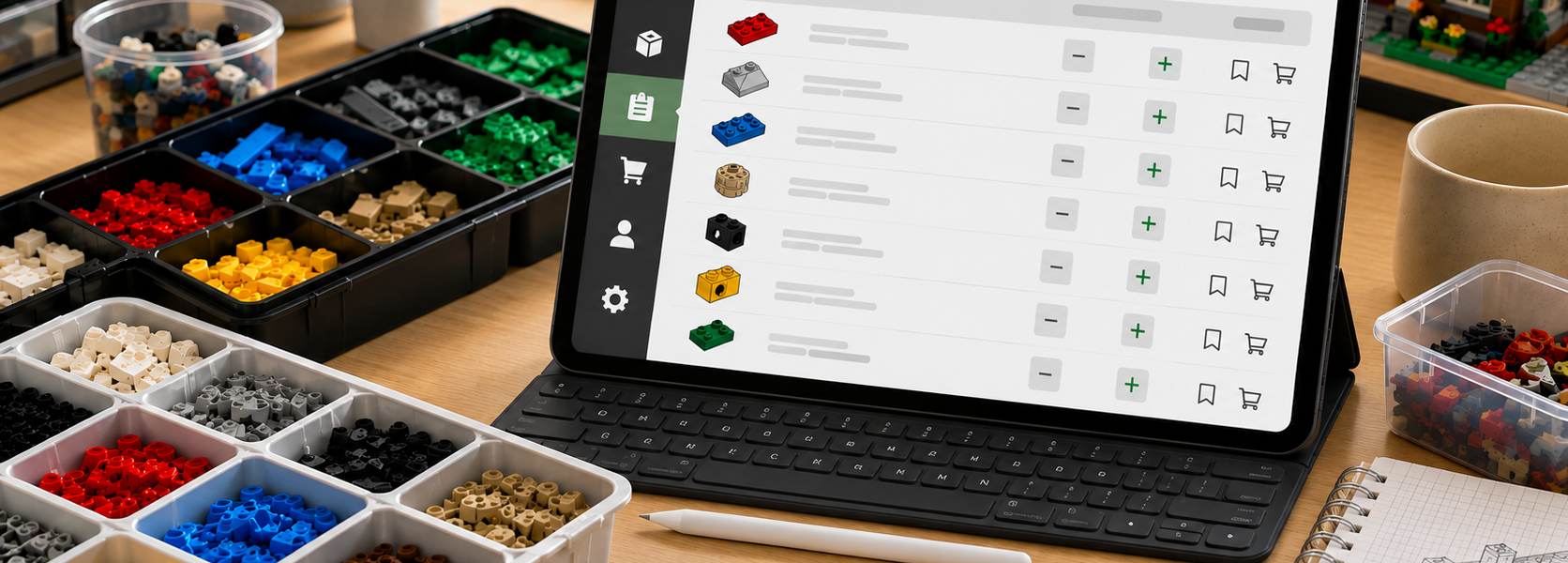
A Wanted List is not just a yes-or-no checklist. BrickLink lets you record the quantity required for each item, which is essential for larger builds.
Part-out can also use a set multiplier. If you are building two copies of the same model, the required quantities can be generated for both at once.
Do not confuse My Collection with Store Inventory
BrickLink has two different systems that can look similar at first: your private collection and a seller’s store inventory.
My Collection is for tracking your own sets, parts and minifigures. Store Inventory is for items that a seller is listing for sale.
If you are not running a BrickLink store, you do not need to move your personal collection into Store Inventory. For everyday collection management, My Collection and Wanted Lists are enough.
BrickLink is the final step when gaps become actionable
After Brickset and Rebrickable, BrickLink is most useful when your collection starts producing specific shortages:
- you are missing pieces from an old set,
- you want to finish a MOC,
- you are rebuilding a set from loose parts,
- you are migrating collection data from another service,
- you want to separate several purchasing projects.
The actual buying process is a separate topic. Here, the goal is to keep the collection organized and turn missing parts into clean, manageable lists.
Digital LEGO Collection — Part 3 of 3
The whole series can be reduced to a simple workflow:
- Brickset — what do I own?
- Rebrickable — what can I build with it?
- BrickLink — what am I missing and how do I manage it?
You do not have to use all three platforms. But for a large, changing collection, combining their strengths can give you far more control than a spreadsheet or memory alone.