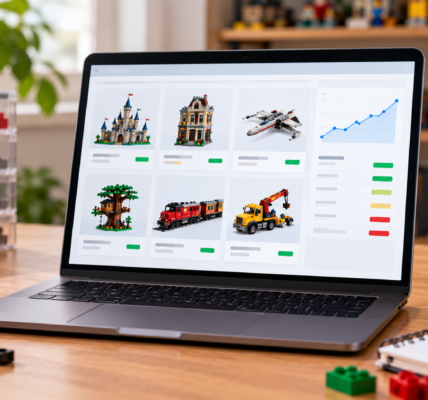

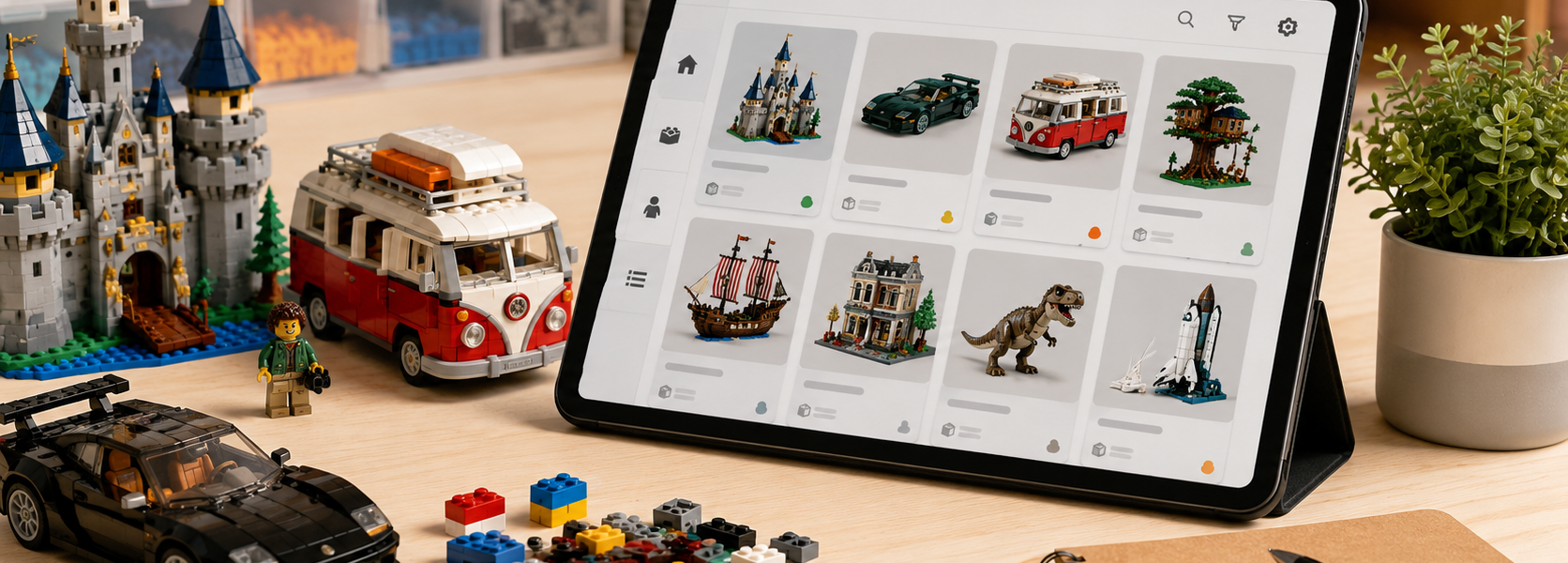
How to Catalog Your LEGO Collection in Brickset: Sets, Minifigures and Wish Lists

Once a LEGO collection grows beyond what you can reliably remember, a digital catalog becomes useful very quickly. Brickset is especially well suited to collectors who mainly want to answer one question: what do I own?
This is part one of our Digital LEGO Collection series. Brickset is the starting point for tracking sets and minifigures. Part two will move to Rebrickable and the question “what can I build with what I own?”, while part three will focus on BrickLink for missing parts and wanted lists.
Start with Own and Want
Brickset’s core collection system is built around two simple states: Own and Want. Own marks sets already in your collection, while Want creates a wish list of sets you are still looking for.
A set can be both owned and wanted at the same time, which is useful when you collect multiples — for example battle packs, army-building sets or models you want both sealed and built.
Track quantities, including new and used copies
Brickset lets you go beyond a simple “I own this” checkbox. Additional collection fields can be enabled so you can record how many copies you own and distinguish between new and used sets.
That makes the system much more useful for larger collections. Instead of one generic owned flag, you can record one sealed copy and two used copies, for example. You can also track how many additional copies you want and assign priority to wanted sets.
Use custom flags to describe your collection
Brickset supports up to eight additional custom collection flags. You can label them however you like and use them to describe the practical status of a set.
Typical examples might include:
- built,
- sealed,
- no box,
- for sale,
- in storage,
- with the kids,
- ordered,
- missing parts.
These custom flags are best treated as extra context. If you want a set to count as part of your owned collection, you still need to mark it as Own.
Brickset can build a minifigure collection from your sets
Once sets are marked as owned, Brickset can compile the minifigures associated with those sets and show them as part of your collection.
This saves time if you do not want to add every minifigure manually. The data depends in part on BrickLink information, so very recent releases may take some time to be fully represented.
If you own a set without all of its minifigures, it is worth marking that situation clearly so your catalog does not imply that you own characters that are actually missing.
Parts tracking is available, but it has to be enabled
Brickset also supports part collection tracking, although the feature is not enabled by default. Once activated, it can distinguish between parts coming from owned sets, loose parts you own separately and parts you want.
This is useful for a light inventory, but it is also the point where Rebrickable often becomes the stronger tool. Brickset is excellent at answering “what do I own?”, while Rebrickable is designed more directly around “what can I build from these parts?”
Export your collection for backup or migration
It is worth exporting your Brickset collection from time to time. Brickset supports several export formats, including CSV, which can be opened in common spreadsheet software.
An export gives you a useful backup and also makes it easier to move data between services. Brickset also supports integration with Rebrickable, so you do not have to manually re-enter a large collection if you decide to use both systems.
Keep the system simple at first
The easiest way to make Brickset useful is to avoid over-configuring it. Start by adding your sets to Own, then introduce only a few custom flags that solve real problems.
For a small collection, three flags such as “built”, “sealed” and “for sale” may be enough. The goal is to make the catalog faster to use than your memory — not to create another system that needs constant maintenance.
Who is Brickset best for?
Brickset is a strong choice if you:
- mostly collect complete sets,
- want a quick overview of what you own and what you want,
- keep sealed and used copies of the same set,
- want an automatically generated minifigure overview,
- prefer a simple catalog without entering every loose part manually.
If your collection is dominated by loose parts and your main goal is to discover what else you can build, Rebrickable will usually be the better next step.
Digital LEGO Collection — Part 1 of 3
A practical way to think about the three tools is: Brickset for cataloging sets, Rebrickable for using the parts you own, and BrickLink for tracking gaps and purchases.
You do not need all three services. The point of this series is to show where each one is strongest, so you can build a system that matches the way you actually collect LEGO.